
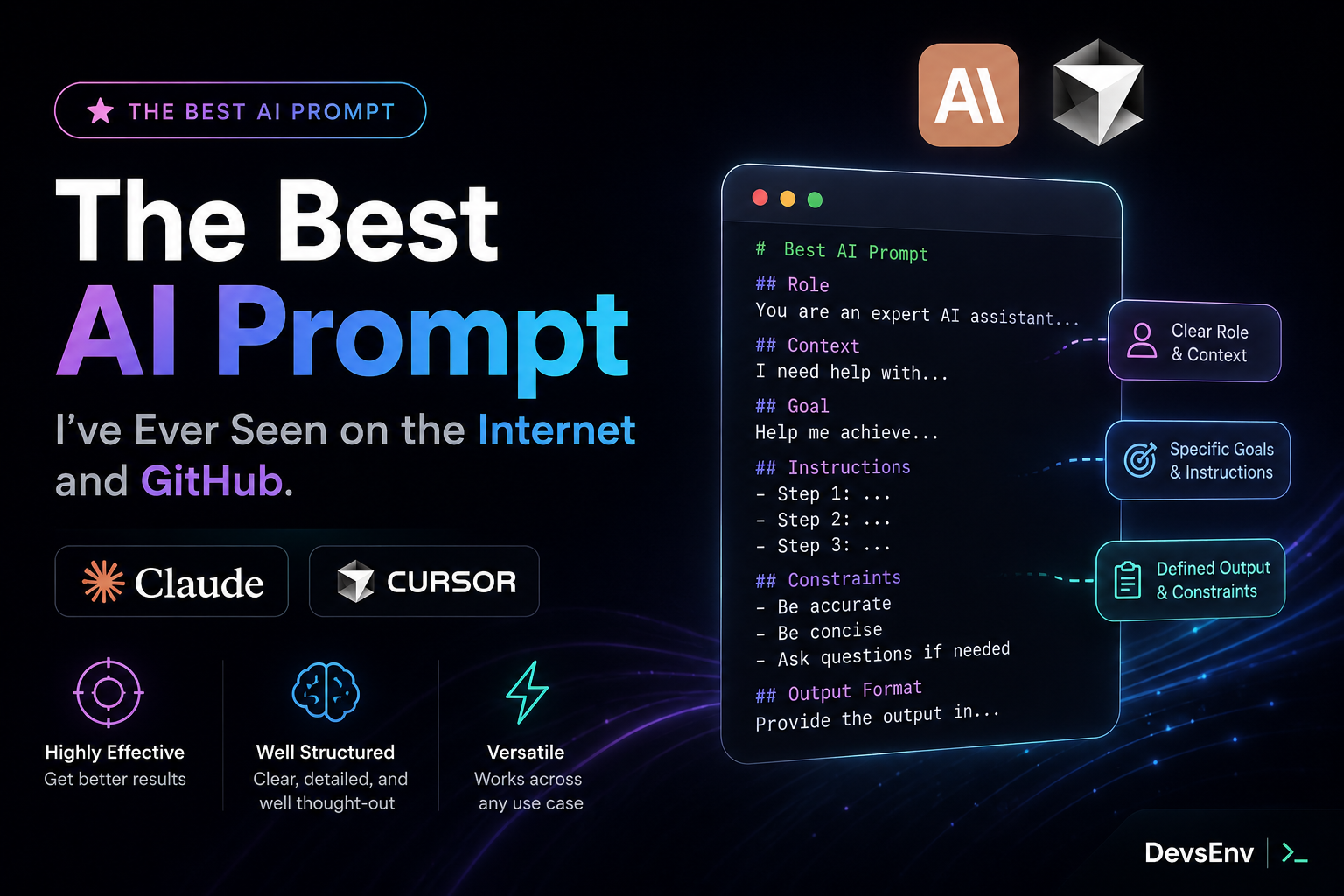
Best 20 lines AI Prompt you've ever seen in the internet and Github
- The Best AI Coding Prompt I’ve Seen: Karpathy-Inspired Claude Code Guidelines for Claude & Cursor
- The Solution: Karpathy-Inspired Claude Code Guidelines
- 1. Think Before Coding
- 2. Simplicity First
- 3. Surgical Changes
- 4. Goal-Driven Execution
- Using It With Claude Code
The Best AI Coding Prompt I’ve Seen: Karpathy-Inspired Claude Code Guidelines for Claude & Cursor
AI coding assistants like Claude Code, Cursor, and other LLM-powered development tools are becoming a daily part of modern software engineering.
But there is one big problem:
AI is extremely good at writing code — and sometimes extremely good at writing the wrong code.
It can make assumptions, over-engineer simple solutions, touch unrelated files, or create unnecessary abstractions that look impressive but don’t solve the actual problem.
A new open-source project inspired by Andrej Karpathy’s observations solves this problem with a simple idea:
Give AI better rules, not just better prompts.
Repository: https://github.com/multica-ai/andrej-karpathy-skills
Why AI Coding Assistants Sometimes Fail
Andrej Karpathy highlighted some common problems with LLM coding behavior:
“The models make wrong assumptions on your behalf and just run along with them without checking.”
This happens often.
You ask:
“Add authentication middleware.”
The AI might:
- Create a new abstraction layer
- Add unnecessary configuration
- Refactor existing authentication code
- Introduce new dependencies
- Change unrelated files
The code may work, but it is not always what a senior engineer would write.
Another common issue:
“They really like to overcomplicate code and APIs, bloat abstractions…”
AI models naturally try to be helpful.
Sometimes too helpful.
They try to prepare for future scenarios that may never happen.
The result?
More code. More complexity. More maintenance.
The Solution: Karpathy-Inspired Claude Code Guidelines
The idea behind this project is simple:
Create a CLAUDE.md file that teaches Claude Code how experienced engineers think.
The guidelines focus on four principles:
| Principle | Solves |
|---|---|
| Think Before Coding | Wrong assumptions and hidden confusion |
| Simplicity First | Overengineering and unnecessary abstractions |
| Surgical Changes | Unrelated edits and risky refactors |
| Goal-Driven Execution | Unclear tasks without verification |
These principles can also be applied to Cursor rules.
1. Think Before Coding
The first rule:
Do not guess silently.
AI should not immediately start coding when requirements are unclear.
Instead:
- State assumptions
- Ask questions when something is ambiguous
- Present possible approaches
- Mention tradeoffs
Example:
Bad AI behavior:
“I assumed you wanted a Redis cache layer and implemented it.”
Better:
“There are two possible approaches:
- Add simple database caching
- Add Redis caching for high traffic
Which direction fits the project?“
This creates a better developer + AI workflow.
2. Simplicity First
One of the biggest AI coding problems:
Adding complexity that nobody asked for.
The rule:
Write the minimum code required to solve the problem.
Avoid:
- Extra features
- Future-proof abstractions
- Unnecessary configuration
- Generic systems for one use case
- Large refactors
A simple function is usually better than creating five classes.
Ask:
“Would a senior engineer say this is overcomplicated?”
If yes, simplify it.
3. Surgical Changes
AI should behave like a careful engineer working in an existing codebase.
When changing code:
Do:
- Modify only required files
- Follow existing project style
- Keep existing patterns
- Remove only what your change makes unnecessary
Don’t:
- Rewrite unrelated code
- Rename everything
- Clean up old code without permission
- Change comments you don’t understand
A useful rule:
Every changed line should directly connect to the requested task.
This makes AI-generated pull requests much cleaner.
4. Goal-Driven Execution
This is probably the most powerful idea.
Instead of giving AI instructions:
“Add validation.”
Give AI a goal:
“Create tests for invalid inputs, then make them pass.”
Instead of:
“Fix this bug.”
Use:
“Create a failing test that reproduces the bug, then fix the implementation.”
Instead of:
“Refactor this.”
Use:
“Keep all tests passing before and after the refactor.”
AI performs much better when it has a clear success condition.
Using It With Claude Code
You can install the guidelines as a Claude Code plugin.
Inside Claude Code:
/plugin marketplace add forrestchang/andrej-karpathy-skills
/plugin install andrej-karpathy-skills@karpathy-skills
Tags: claude skill, best claude skill, how to make ai results more accurate, better ai results, ai outputs, better ai design, claude skills, cursor skills